01 · Capture
Write, record, import — without switching apps.
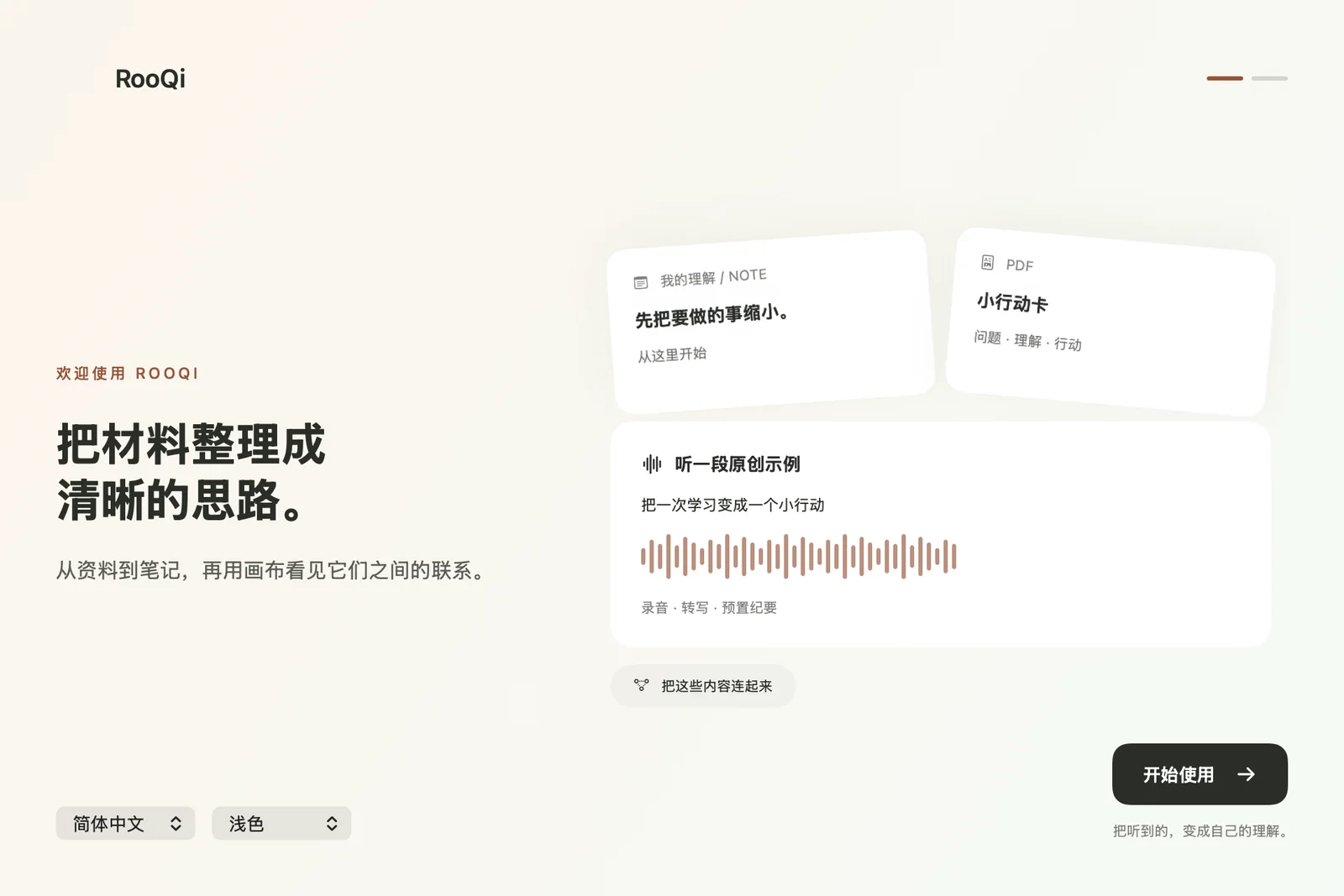
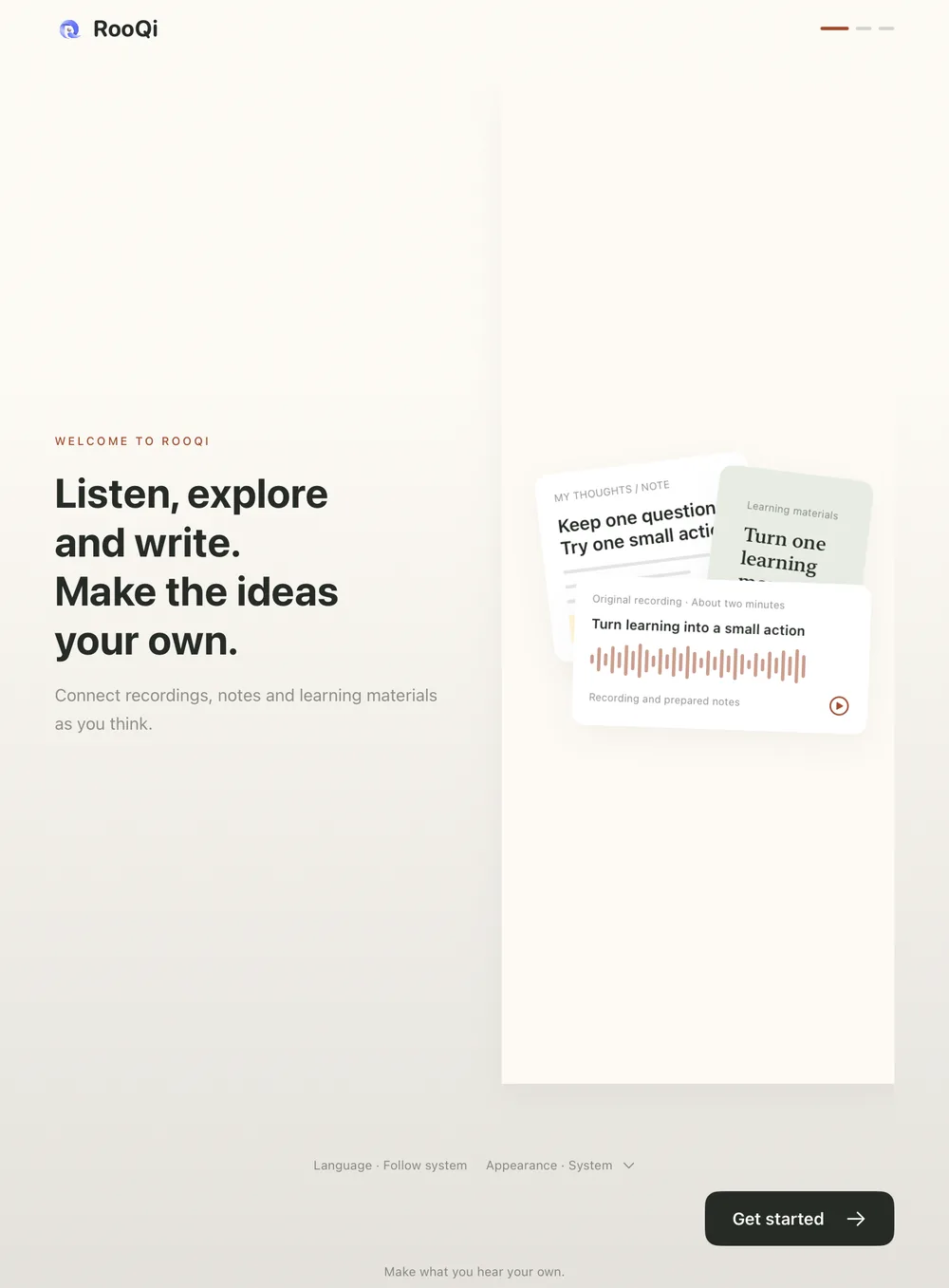
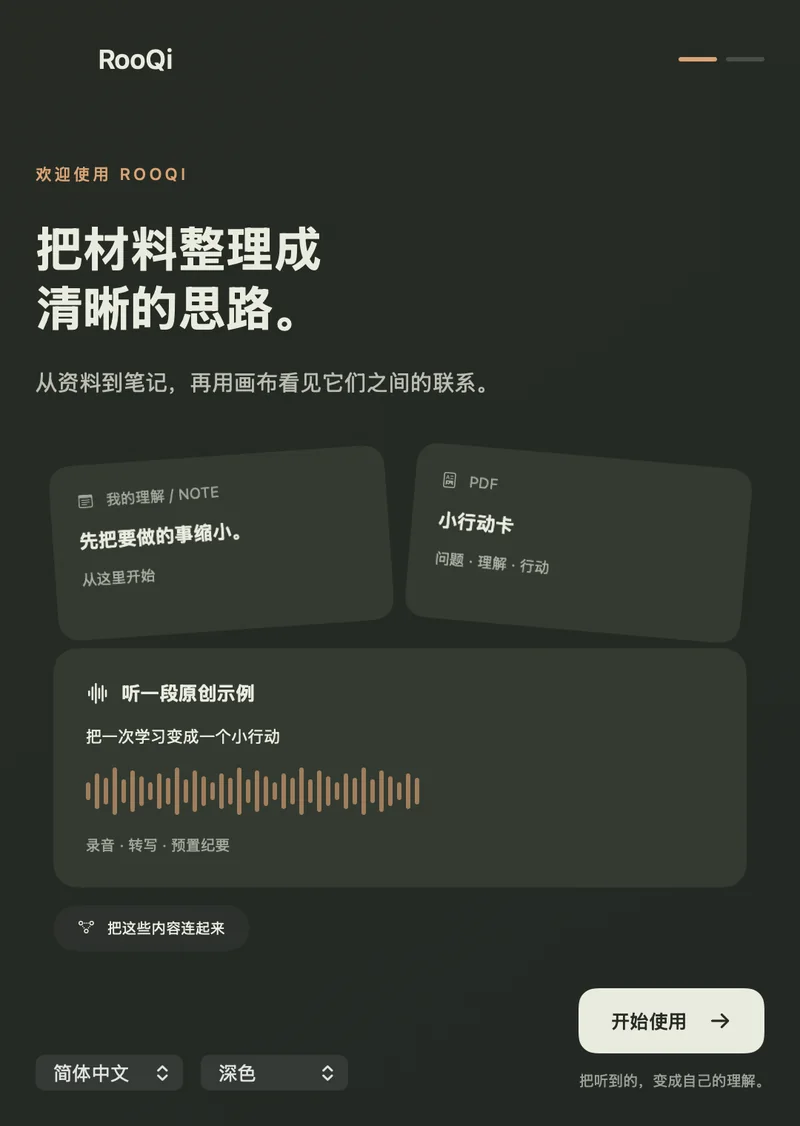
Take handwritten notes with your pen or finger, type alongside them, record a lecture or meeting, and import PDFs, images or existing audio into the same project.
- Handwriting and typed text on the same page
- Recordings with on-device transcription
- Import PDF, audio or images
02 · Organize
Give every idea a place to grow.
Group notes, canvases, PDFs and recordings into projects. Highlight and annotate PDFs, sketch a mind map, and export when you need to share.
- Projects, notes and canvases
- PDF highlights and annotations
- Mind maps and exports
03 · Understand
Come back, and ask.
With the optional RooQi AI subscription you can ask about a note, a page or a recording, and turn a recording’s transcript into minutes — with sources you can check.
- Ask About This Note
- Minutes from recordings
- Answers you can trace back
AI features are optional and only send what a request needs.